How it works
Tell it what your robot should learn.
Get the policy.
kualia turns one sentence into a reinforcement-learning experiment: alia writes the task and builds the world, automatic checks make sure it can be learned, MuJoCo trains the robot on our servers, and you watch every attempt in your browser before taking the policy home.
Steps 3 – 8 repeat: each change is a new version with its own runs, until the robot has the trick.
1The body
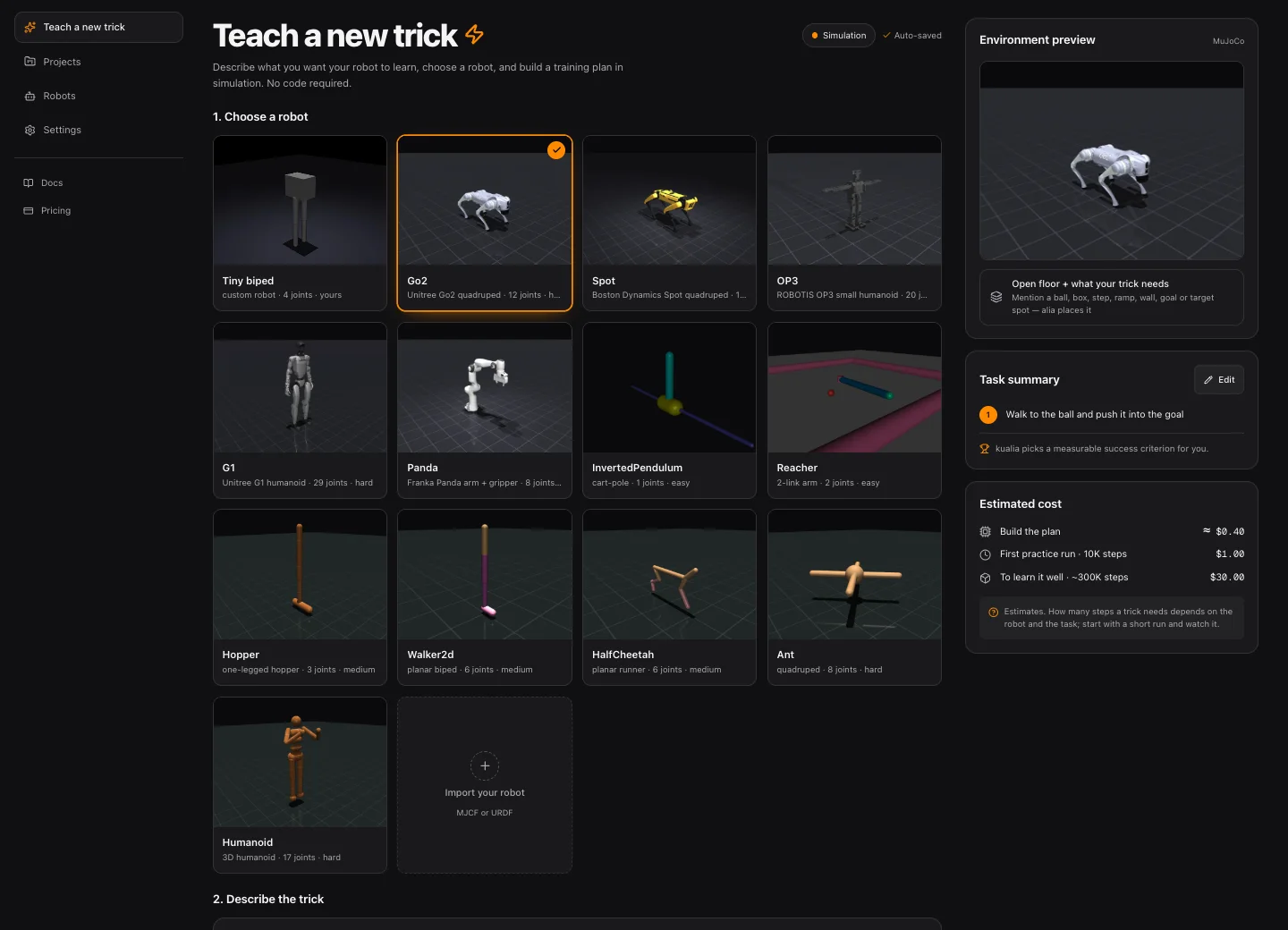
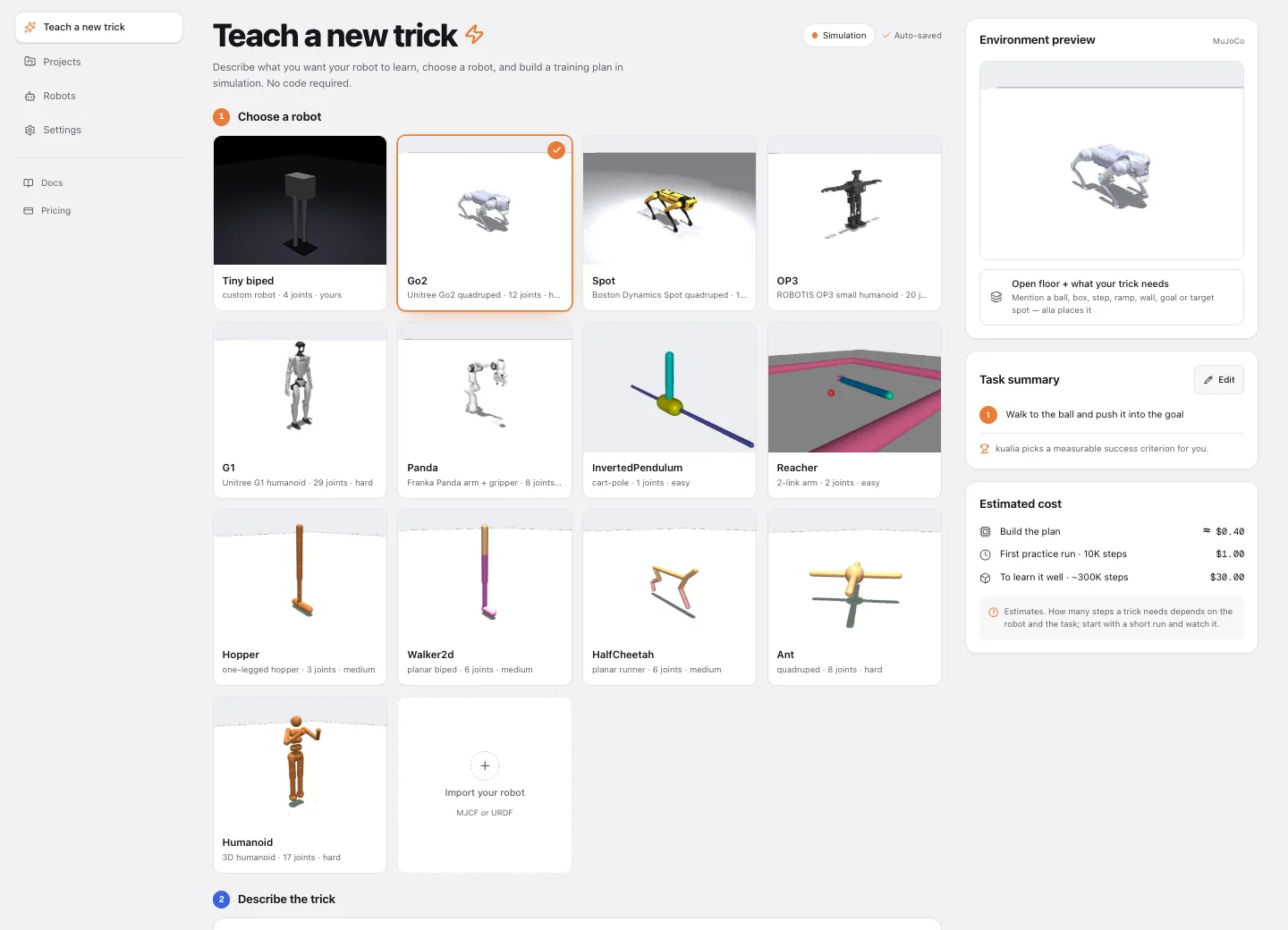
Pick a robot — or bring your own
The robot model supplies the physics: bodies, joints, motors, masses. It stays fixed; everything alia writes wraps around it. Start with a tiny robot like the ones on a maker’s bench — Open Duck Mini, Stanford’s ToddlerBot, the LeRobot SO-101 arm, a Crazyflie — pick one of seven fast-training classics, or import your own MJCF / URDF. Bigger robots such as Spot, G1 and Panda are there as previews: simulation only, with short capped runs, until GPU training arrives.
| Robot | Body | Typical steps to learn |
|---|---|---|
| Duck | Open Duck Mini v2, 3D-printed biped · tiny | ~2M |
| Toddlerbot | Stanford ToddlerBot humanoid · tiny | ~5M |
| OP3 | ROBOTIS small humanoid · tiny | ~5M |
| SO101 | LeRobot SO-101 arm + gripper · tiny | ~300K |
| LowCostArm | low-cost 3D-printed arm · tiny | ~200K |
| Dynamixel2R | 2-link Dynamixel arm · tiny | 50K |
| Crazyflie | Bitcraze nano quadcopter · tiny | ~300K |
| InvertedPendulum | cart-pole · classic | 30K |
| Reacher | 2-link arm · classic | 100K |
| Hopper | one-legged hopper · classic | 300K |
| HalfCheetah | planar runner · classic | 300K |
| Walker2d | planar biped · classic | 500K |
| Ant | quadruped · classic | 1M |
| Humanoid | 3D humanoid · classic | 2M |
| Go2 | Unitree robot dog · realistic | ~3M |
| Spot | Boston Dynamics quadruped · preview, sim only | ~3M |
| G1 | Unitree humanoid, 29 joints · preview, sim only | ~10M |
| Panda | Franka arm + gripper · preview, sim only | ~500K |
Your own robot: Robots → Import, then pick it like any built-in one.
2The brief
Say the trick in one sentence
“Walk up to the ball and kick it into the goal.” That is enough. Optionally say what counts as a win (a distance, a speed, a time), what to avoid (falling, jerky motion, too much force), how the reward should feel, and how hard to start. The Studio shows what the first plan and the first run will cost before you click.
Goal
ball moves forward, into the goal
Win
ball travels ≥ 2 m
Avoid
falling, flailing
3The task
alia writes the training task
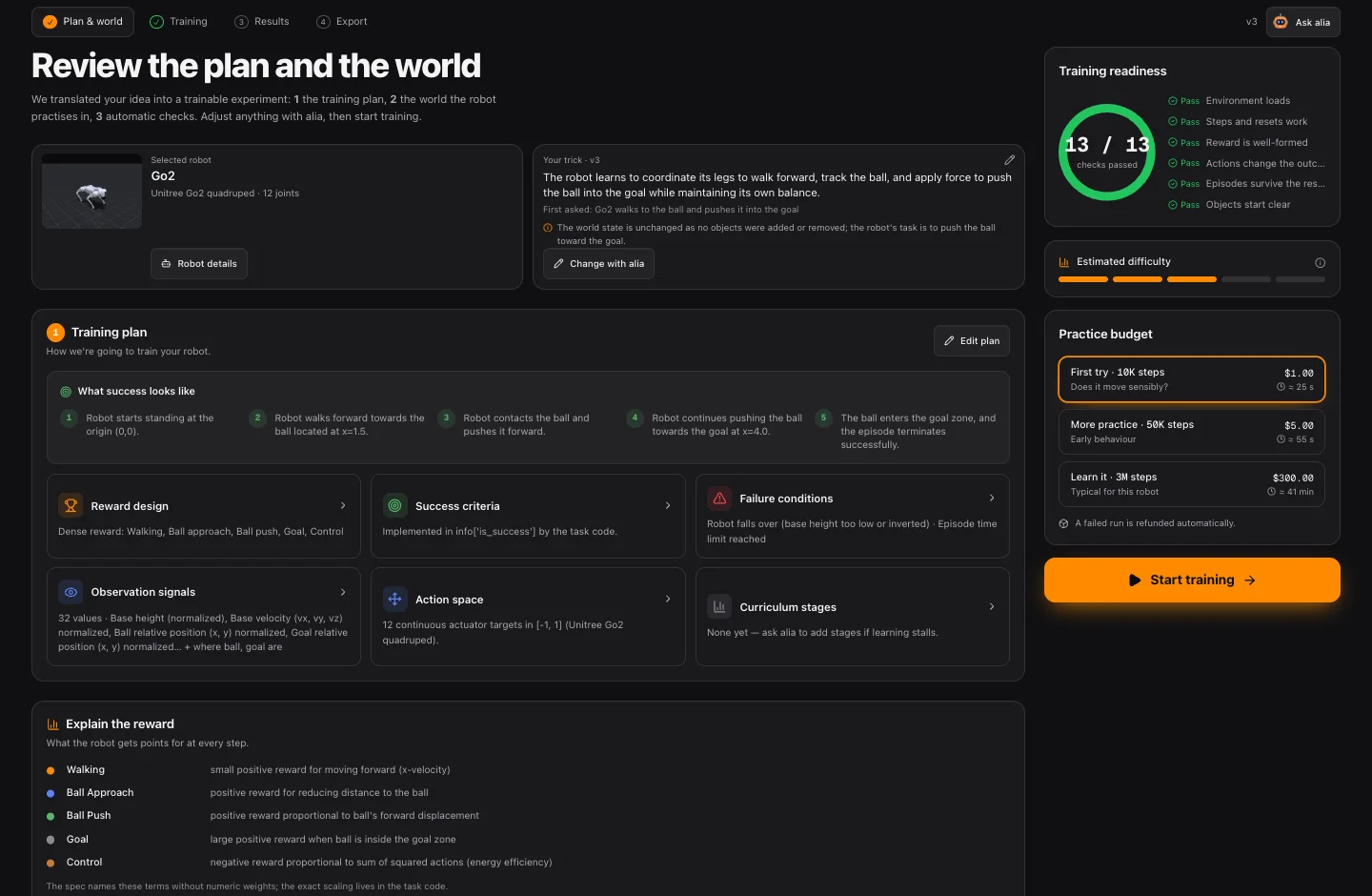
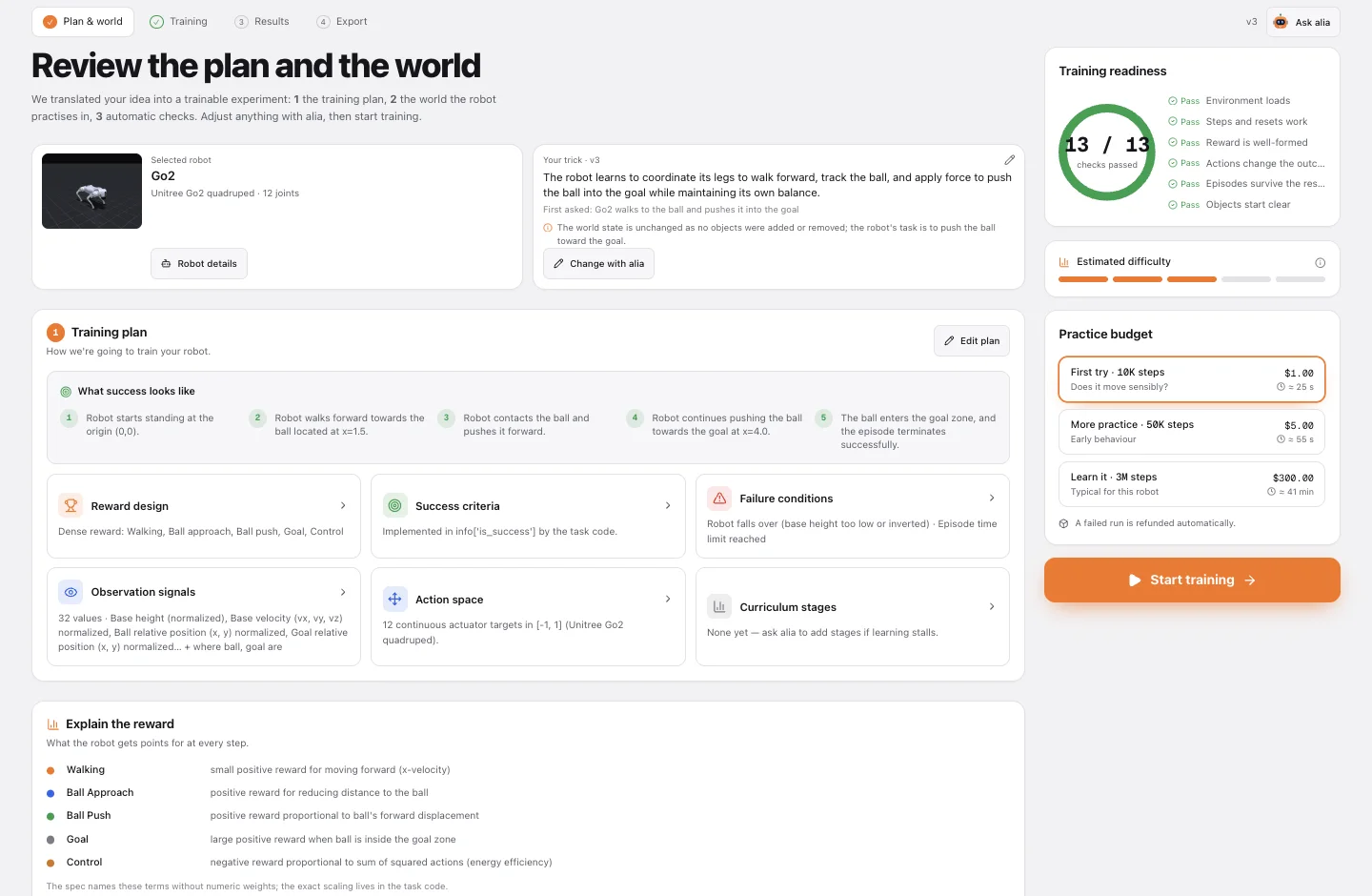
From your brief, alia writes a Gymnasium task in Python around your robot: what the policy observes, what its actions do, the reward it earns every step, when an episode succeeds, and when it ends early. The Plan page explains each part in plain words — reward terms, success criteria, failure conditions, observation signals — and you change any of it by talking to alia.
class KickBallEnv(MjcfRobotEnv):
    ROBOT_ASSET = gym_asset("Walker2d")
    SCENE = [{"type": "ball", "name": "ball", "pos": [1.5, 0.0]},
             {"type": "goal", "name": "goal", "pos": [5.0, 0.0]}]

    def compute_reward(self, action):
        to_ball  = -self.object_distance("ball")
        ball_fwd = self.object_position("ball")[0] - self.object_initial_position("ball")[0]
        upright  = 1.0 if self.upright > 0.8 else 0.0
        return 0.5 * to_ball + 2.0 * ball_fwd + 0.1 * upright - 0.001 * (action ** 2).sum()
Illustrative — the real code is generated for your robot and brief, and is always visible on the Plan page.
4The world
Design the experience. Design the world.
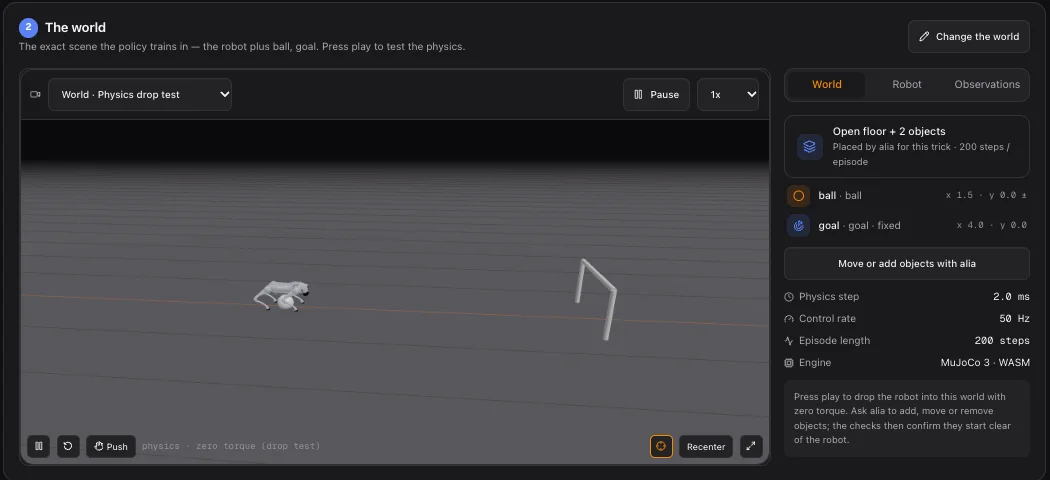
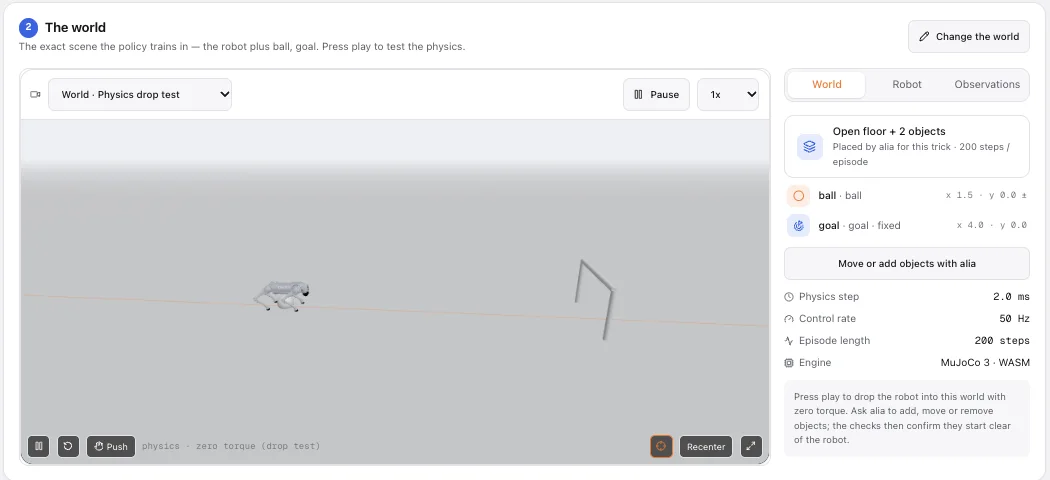
Say “ball”, “goal”, “steps” or “wall” and alia places real physics objects in the scene — not pretend ones. The task can ask where they are and whether the robot touches them, the policy sees their position and velocity, and movable objects start in a slightly different place every episode so the robot can’t memorise one spot. Ask again to move, add or remove them.
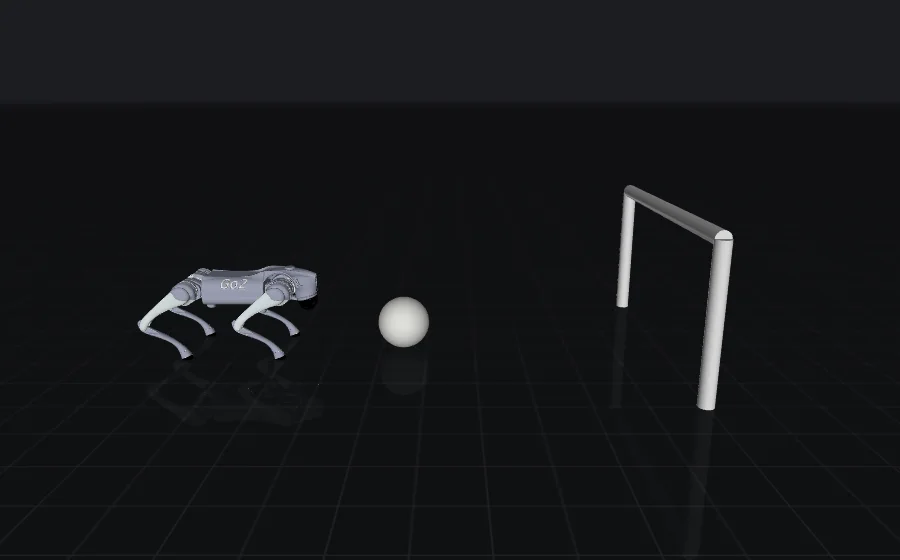
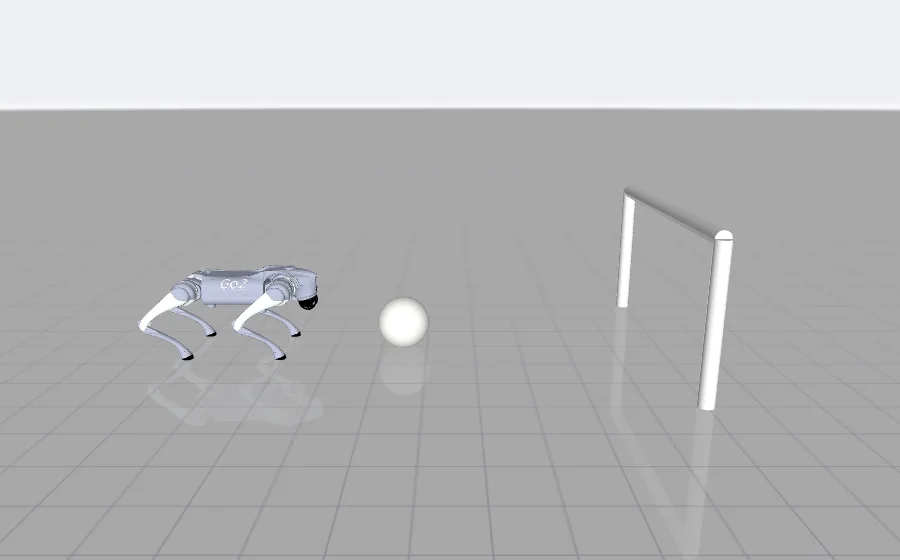
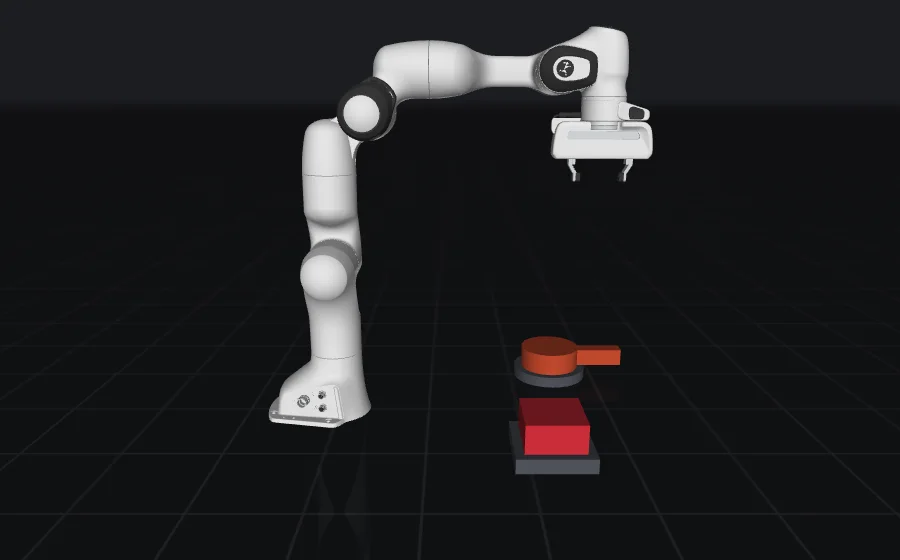
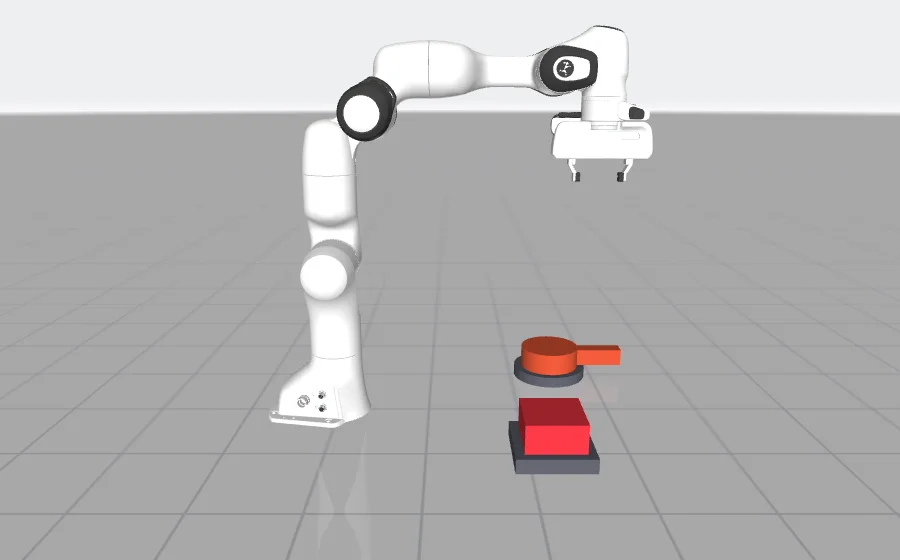
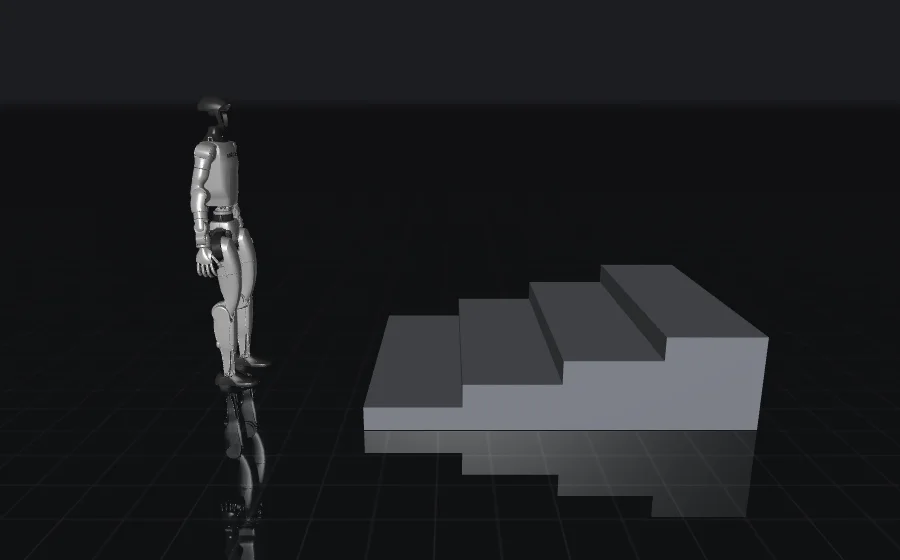
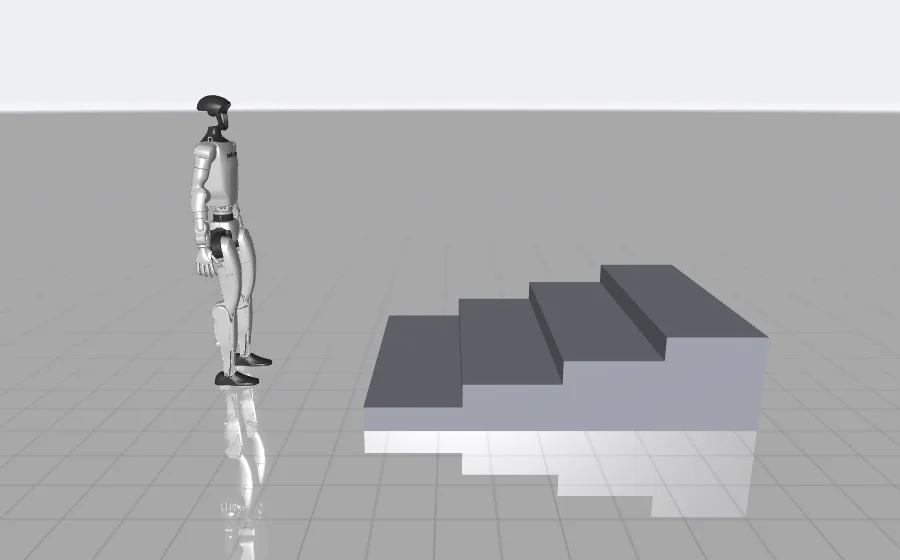
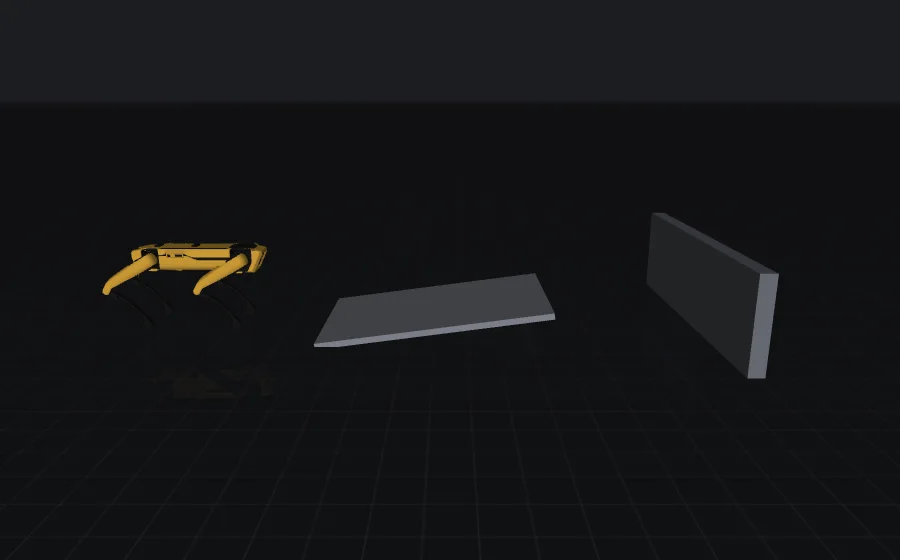
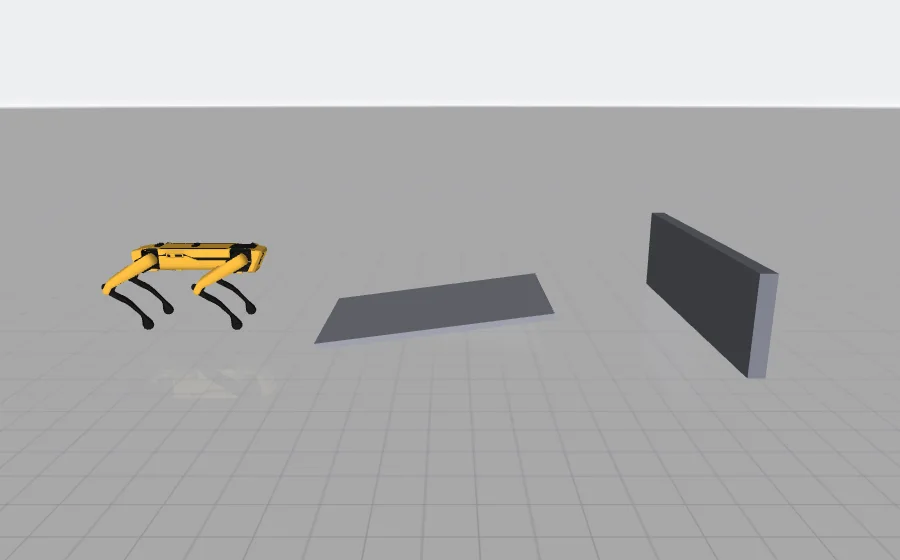
Up to 8 objects per world. The same scene is used for training, the recorded videos and the 3D viewer.
5Safety net
13 automatic checks before a single training step
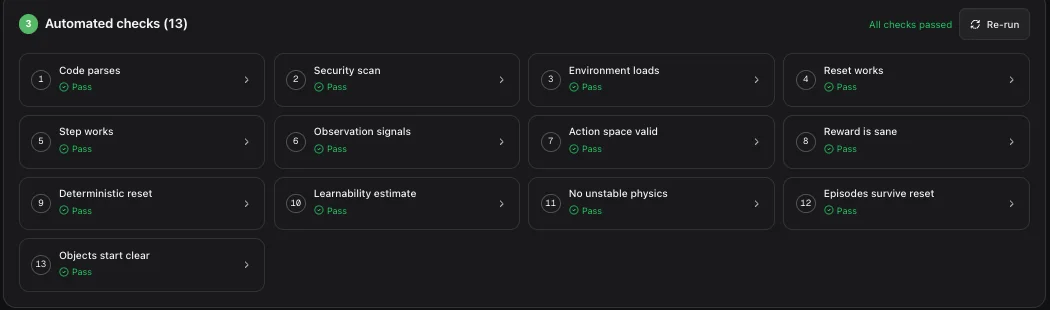
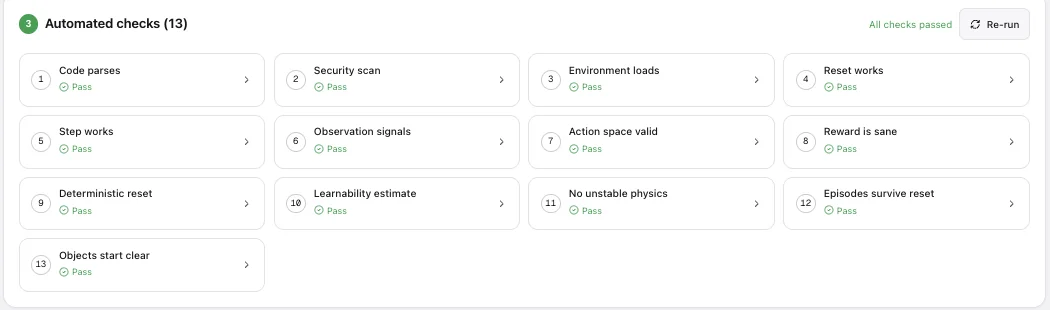
Every version of the task runs in an isolated sandbox against thirteen checks. When the plan is first built, alia fixes failing checks by itself; after later changes one click asks it to. Training only starts when all of them pass — so credits aren’t spent on a task that can’t work.
Code & setup
Does the task run at all?
- Code parsesValid Python
- Security scanNo dangerous imports or calls
- Environment loadsTask class imports and builds
- Reset worksReturns a valid first observation
- Step worksReturns obs, reward, done flags, info
Physics & world
Is the simulation sound?
- Observation signalsMatch the declared space
- Action space validActions stay inside the bounds
- Deterministic resetSame seed, same start
- No unstable physicsNo NaN, bounded state, episodes end
- Objects start clearWorld objects start away from the robot and each other
Learnability
Can a policy actually learn from it?
- Reward is saneFinite at every step
- Learnability estimateActions change the return
- Episodes survive resetRandom actions last more than a step or two
6Practice
Train — and watch it learn
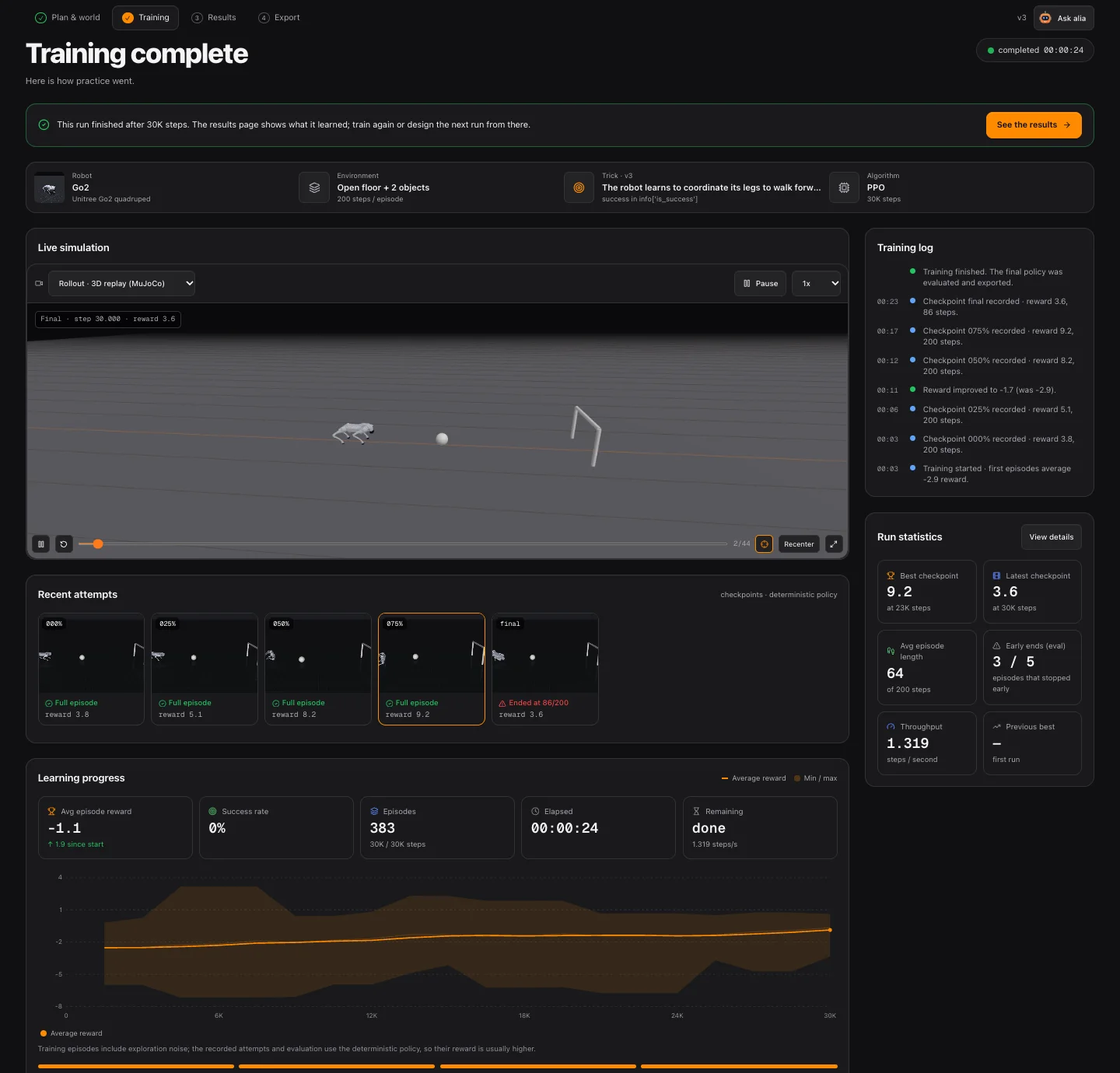
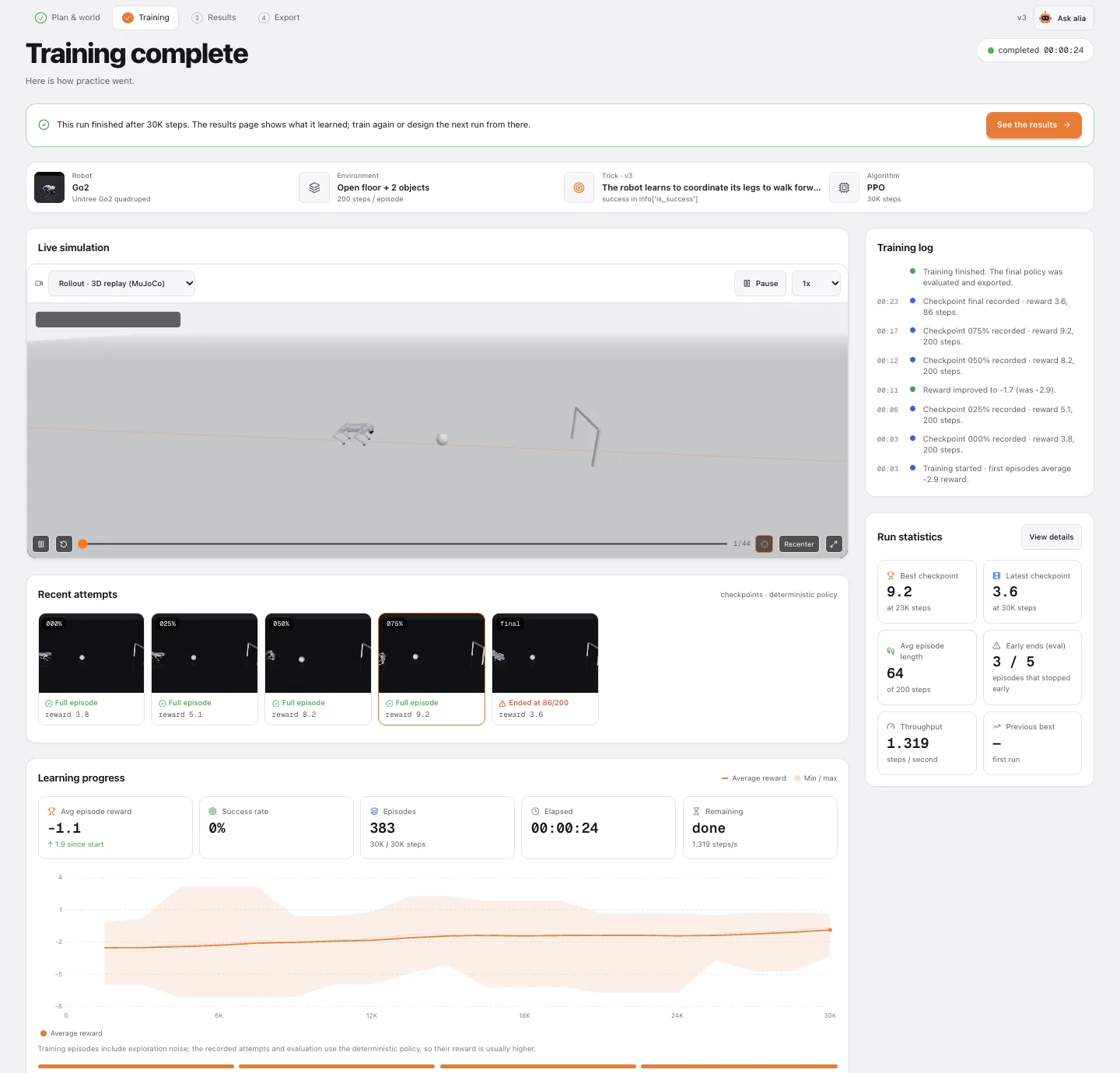
The robot learns by trial and error. At every step the policy sees an observation, picks motor commands, and the task pays a reward. PPO (Proximal Policy Optimization) nudges the policy towards actions that earned more — over thousands of episodes, running on our servers.
Policy
neural network
← observation
← reward
MuJoCo world
robot + objects + task
repeated ~10K–2M times · PPO updates the policy from the rewards
- Checkpoints at 0 / 25 / 50 / 75 / 100 % are recorded as exact MuJoCo state and replayed in 3D.
- From the 25 % checkpoint on, the current policy runs live in your browser — push the robot and see what it does.
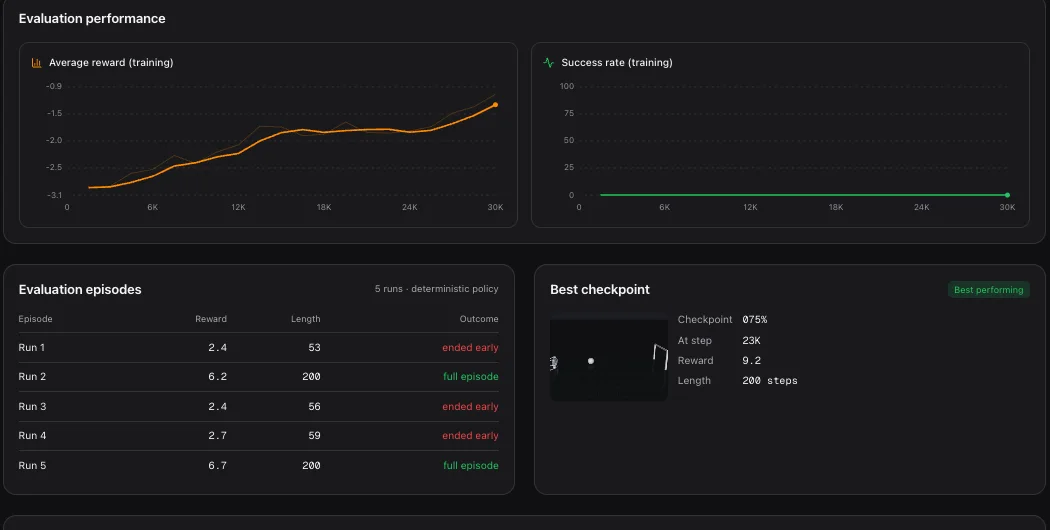
- The curve shows the average episode reward while exploring; replays and evaluation use the deterministic policy.
Practice budgets
7Results
Review what it learned
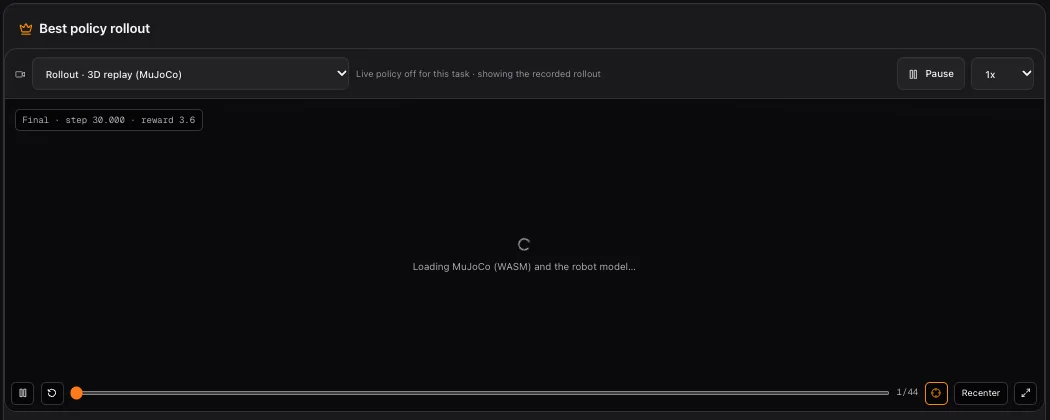
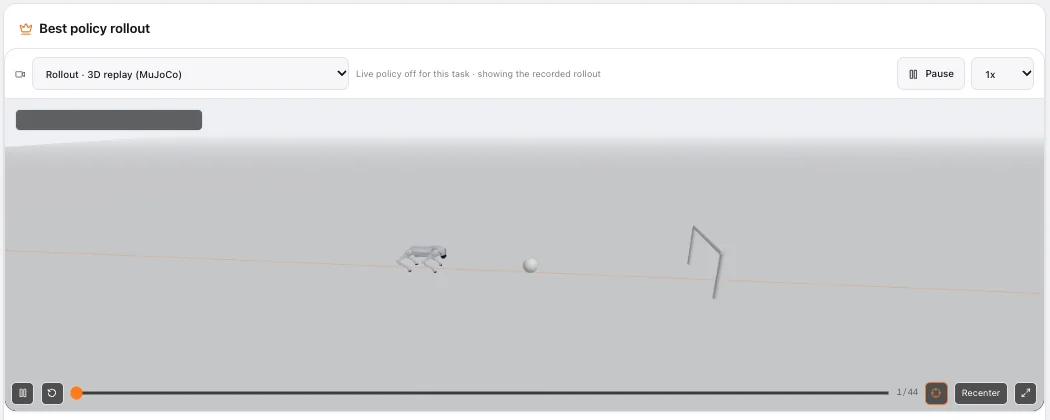
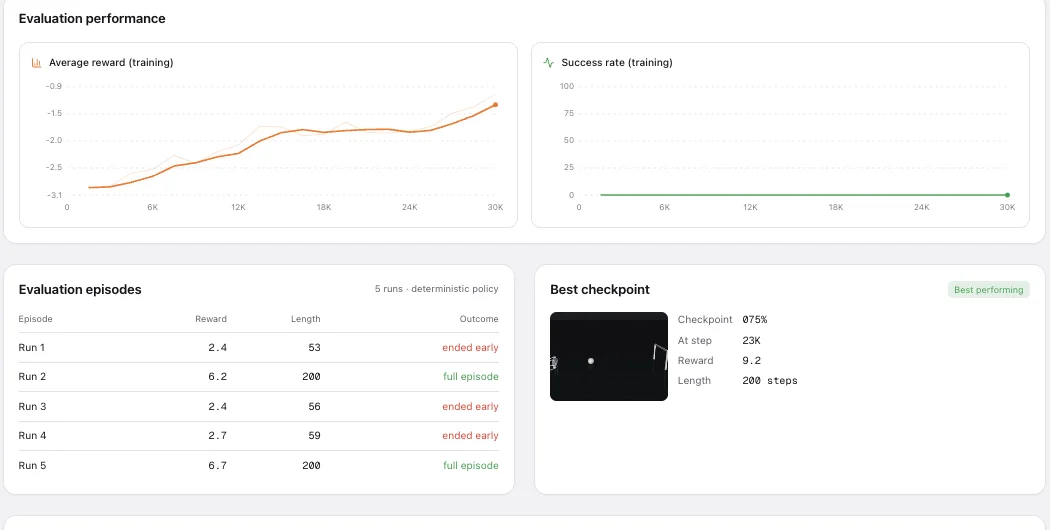
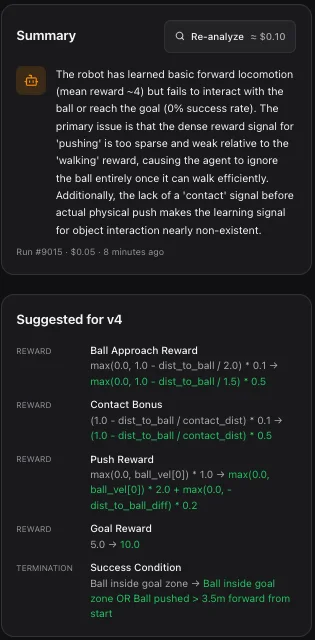
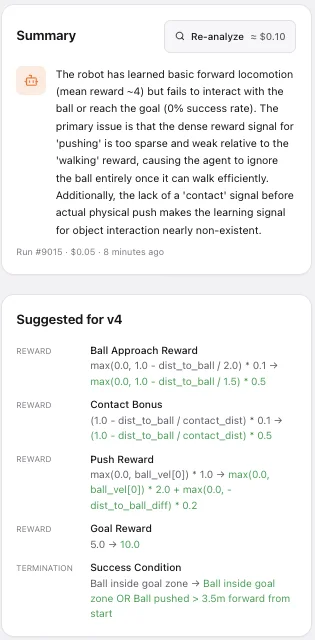
Each run gets its own results page: the policy running live in the browser, up to 30 deterministic evaluation episodes with a 95% interval on the success rate, the best checkpoint, failure cases, and an AI review that reads the curve, the episodes and the task code and says what to change.
8Iterate
Design the next run
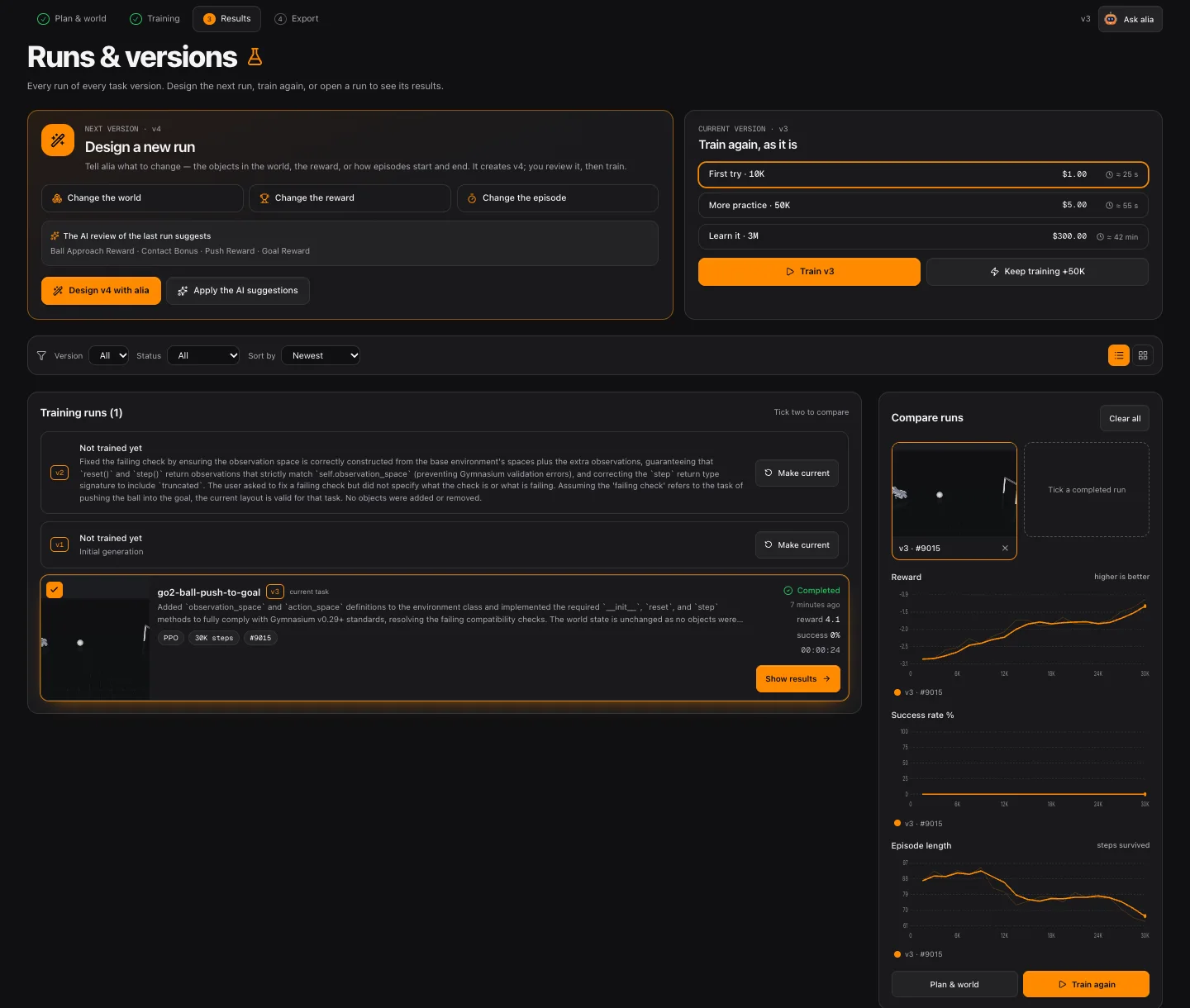
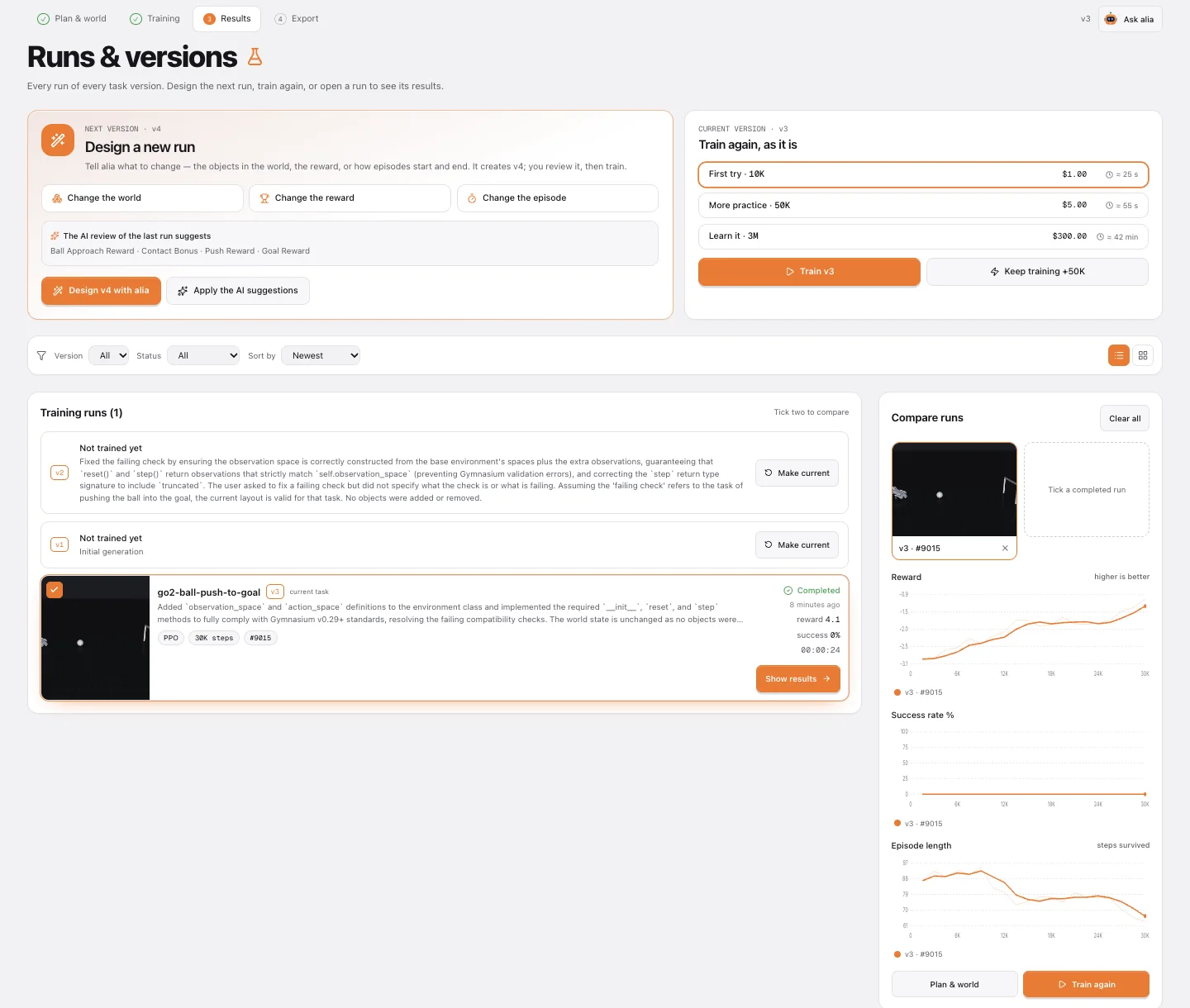
Runs & versions keeps every run of every task version. Design a new run — change the world, the reward or how episodes start and end — and alia creates the next version for you to review. Or train the same version again, keep training the best run for longer, compare two runs side by side, and make any older version current in one click.
aliaDESIGN A NEW RUN · v3
v3 is ready · all checks pass
Review the plan and the world, then start training it.
9Take it home
Export the policy
The trained policy exports as a deterministic ONNX file with observation normalisation baked in, plus a metadata file with shapes and checksums. On the robot you only need onnxruntime and numpy — no PyTorch, no Stable-Baselines3.
pip install onnxruntime numpy

import onnxruntime as ort
sess = ort.InferenceSession("kick_ball_policy.onnx")
action = sess.run(None, {"obs": obs[None]})[0][0]
send_joint_commands(action)   # at the robot's control rate
Simulation is not reality. Start at low power, keep people clear and keep an emergency stop in reach.
Questions
How long until my robot learns the trick?
It depends on the robot more than the trick. A cart-pole balances after ~30K steps; a planar walker needs hundreds of thousands; a 3D humanoid needs millions. Start with a 10K-step first try to see that the task behaves, then give it the “Learn it” budget.
My robot didn’t even try — what went wrong?
Usually nothing is broken: the run was too short, or the reward pays for something easier than the trick (for example a survival bonus that makes standing still good enough). Read the AI review on the run’s results page and apply its suggestions to design the next run.
Can I edit the task code myself?
The task is plain Python you can read and copy from the Plan page. Changes are made through alia so that every edit becomes a new version, is re-checked, and stays comparable with earlier runs.
What does it cost?
Training costs $0.10 per 1,000 steps — a 10K-step first try is $1. Generating and analysing costs a few cents each. The price is shown before every action, and failed runs are refunded automatically.
Which browsers run the 3D simulator?
Chrome, Edge and Firefox. The simulator is MuJoCo compiled to WebAssembly and needs a cross-origin isolated page; where that isn’t available you still get the recorded videos.
Will the policy work on my real robot?
It is trained in simulation, so expect a gap. The export is a deterministic ONNX file with observation normalisation baked in; test it carefully, at low power and with an emergency stop.
What will your robot learn first?
A first 10K-step try costs $1 — and a failed run costs nothing.